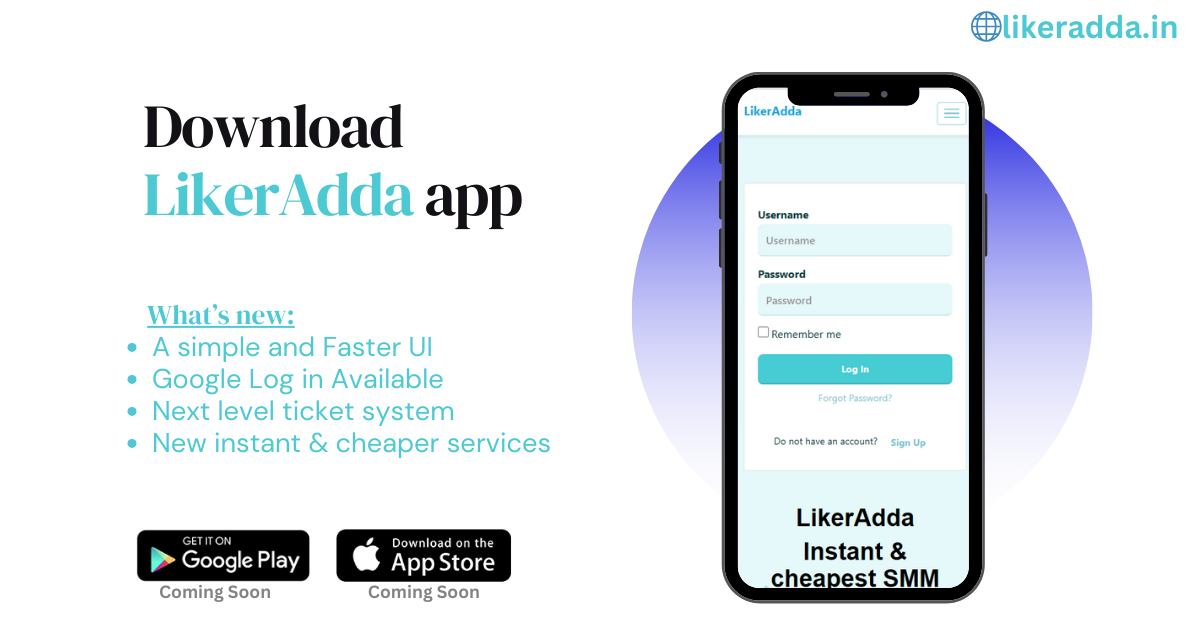
How to Download the Main SMM Panel - LikerAdda App on Your Android Phone
Downloading the LikerAdda app on your Android phone is simple. Follow these easy steps to get started:
1. Open the Google Search: On your Android phone, locate and tap the Google icon to open it.
2. Search for LikerAdda: In the search bar at the top of the screen, type "LikerAdda" and tap the search icon.
3. Select the LikerAdda App: From the search results, find the LikerAdda app and tap on it to open the app page.
4. Tap Download: On the LikerAdda app page, tap the "Download" button. The app will begin downloading and then install on your device.
5. Open the LikerAdda App: Once the installation is complete, tap "Open" to launch the LikerAdda app. You can also find the LikerAdda app icon on your home screen or in your app drawer.
6. Sign In or Create an Account: If you already have a LikerAdda account, sign in with your credentials. If not, follow the prompts to create a new account and use the app.
Download the LikerAdda App Now
Ready to revolutionize your social media management? Download the LikerAdda app today and unlock a world of possibilities. Click the link below to get started:
⬇️ Download App