Are you looking to give LikerAdda the access it needs to help boost your YouTube channel? Our platform, watchtimeprovider, is the best SMM panel and the main YouTube service provider, specializing in offering direct YouTube watchtime services. Whether you're aiming for fast monetization or organic growth, granting us access is a key step toward success.
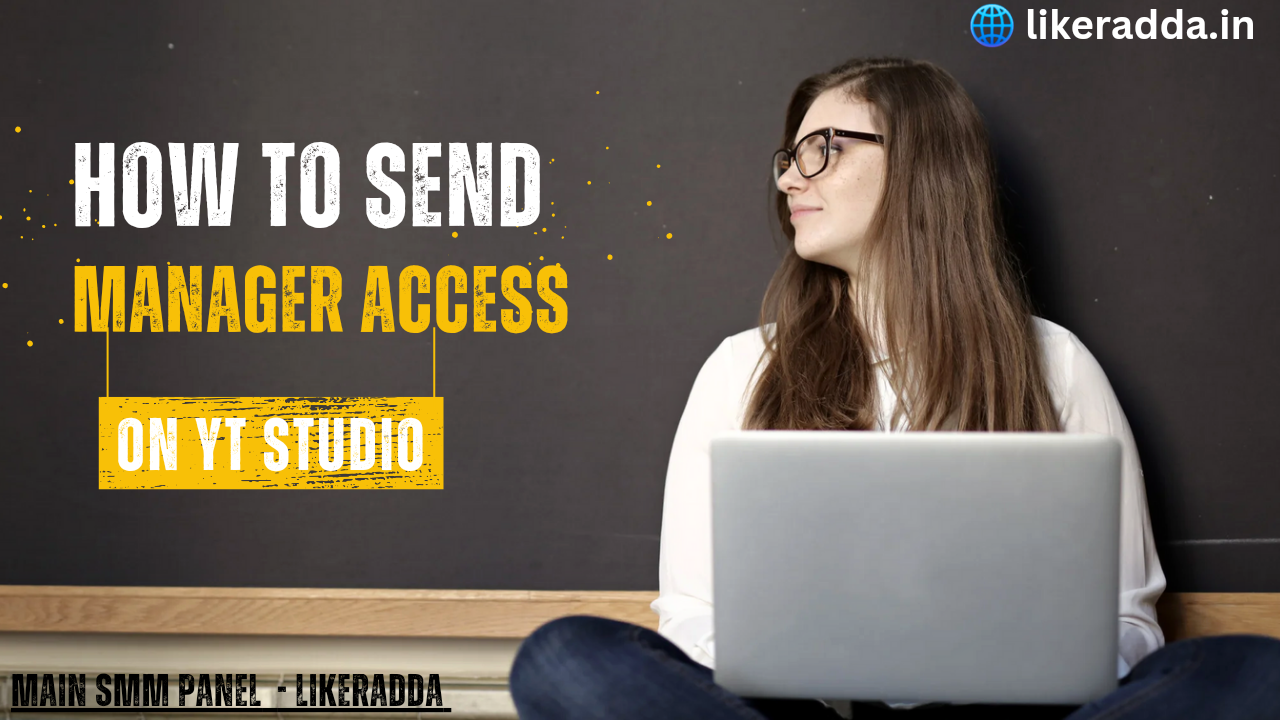
In this tutorial, we’ll walk you through the process of giving manager access on YouTube, enabling LikerAdda to manage your channel and help you grow.
Watch this video how you can give Manager Access to Main SMM Panel - LikerAdda.
Steps to Give Manager Access to LikerAdda:
1. Log into your YouTube account linked to your Google profile.
2. Click on your profile picture in the top right corner and select "YouTube Studio."
3. In the left menu, go to 'Settings' (located at the bottom of the sidebar).
4. Select 'Permissions' from the dropdown options.
5. Click on the 'Invite' button in the permissions panel.
6. Enter the email address [email protected] and assign the role as "Manager."
7. Click 'Save' to confirm the changes.
By following these steps, you allow LikerAdda to take full advantage of our direct provider of watchtime services, accelerating your channel’s growth.
Why LikerAdda?
As a trusted name in the YouTube SMM panel world, LikerAdda guarantees results, whether you're seeking views, subscribers, or watchtime. We have worked with hundreds of clients to help them achieve monetization goals faster. Our specialized watchtimeprovider services are known for being reliable, affordable, and efficient.
Want to see exactly how it’s done? Check out this video tutorial for a step-by-step visual guide:
Click here to watch the video
Why You Should Choose Us:
- Best SMM panel for YouTube
- Direct provider of watchtime
- Main YouTube service provider for channel growth and monetization
At LikerAdda, we ensure your YouTube channel's success, offering unmatched watchtime services at the best prices in the market.